


The world of test automation is evolving faster than ever. As digital experiences grow more complex, QA teams and developers face the same big question every year: Which tool is best: Cypress, Playwright, or Selenium?
These three frameworks dominate automated testing today, each excelling in different areas. Whether you’re building a sleek single-page web app or managing enterprise-scale systems, the right framework can drastically impact your testing efficiency and reliability.
In this 2025 comparison, we’ll break down Cypress vs Playwright vs Selenium, from speed and scalability to language support and ease of use. So, you can choose the best fit for your testing goals.
Quick Overview: The Big Three
Cypress
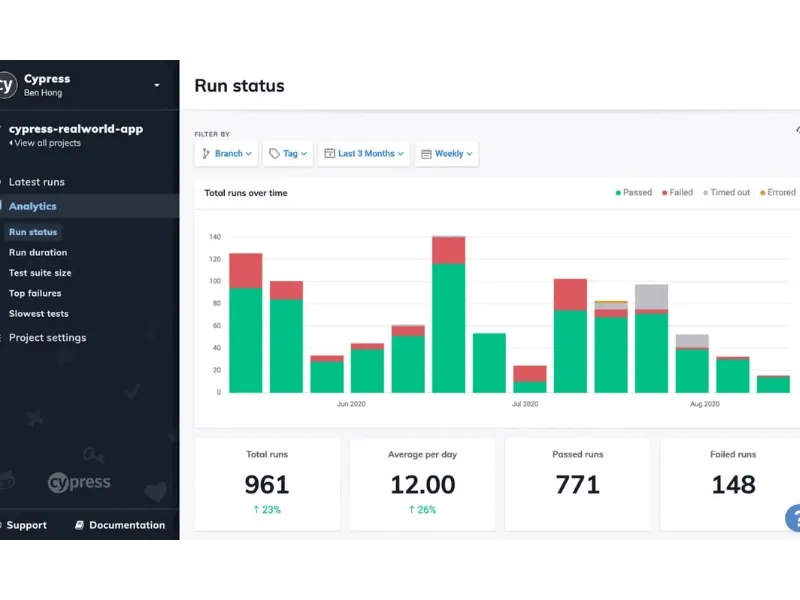
Cypress focuses exclusively on web application testing. It’s known for its fast performance, real-time debugging, and developer-friendly interface. Because it runs directly in the browser, testers get instant feedback and a smoother debugging experience. It’s ideal for front-end teams working with JavaScript-heavy applications.
Playwright
Developed by Microsoft, Playwright has rapidly become the go-to for modern web automation. It supports multiple browsers and programming languages, offering advanced features like network interception, file uploads, geolocation simulation, and mobile testing. It’s a favorite for teams who need speed and versatility in a single package.
Selenium
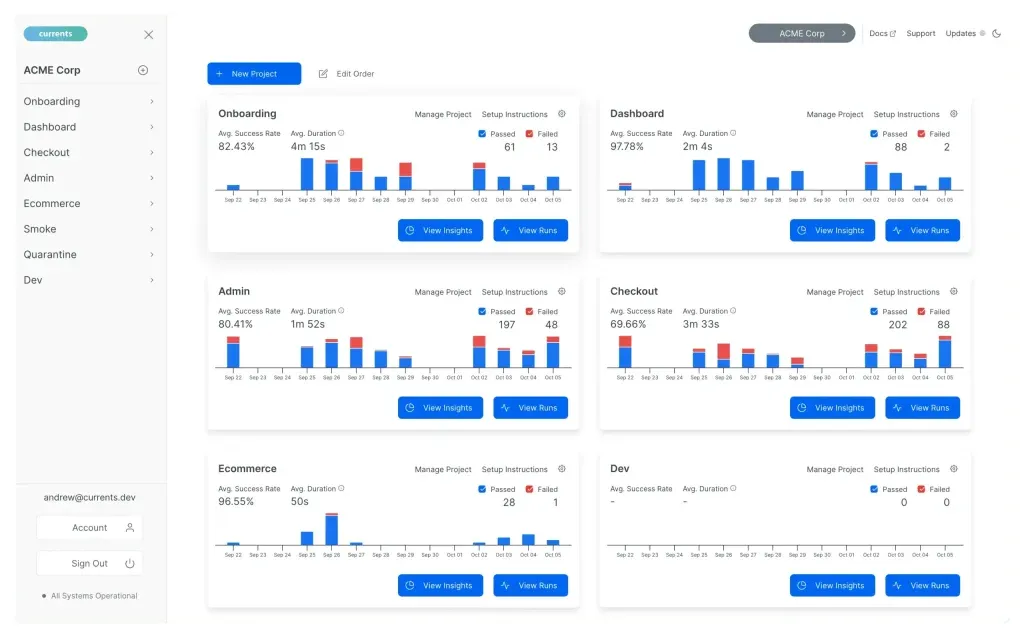
Selenium is the pioneer in test automation, trusted, battle-tested, and highly flexible. It supports nearly all programming languages and browsers, making it the gold standard for cross-browser testing and large-scale enterprise automation projects.
Cypress vs Playwright vs Selenium: Feature Comparison
| Category | Cypress | Playwright | Selenium |
|---|---|---|---|
| Performance | Fast due to browser-level execution but limited to Chromium browsers. | Exceptionally fast with headless mode and browser-direct communication. | Slightly slower due to WebDriver but consistent and reliable. |
| Language Support | JavaScript & TypeScript only. | JavaScript, TypeScript, Java, Python, C#. | Java, Python, C#, Ruby, JavaScript. |
| Cross-Browser Testing | Limited (Chromium + experimental Firefox). | Supports Chrome, Firefox, WebKit. | Supports all major browsers including Safari and Edge. |
| Ease of Use | Excellent for beginners; interactive UI and real-time feedback. | Straightforward setup; unified API for all browsers. | Requires setup expertise but has massive documentation. |
| Advanced Features | Time travel, mocks, stubs, and automatic waits. | Network interception, mobile emulation, and geolocation. | Needs external tools for advanced features. |
| Scalability | Best for small to mid-sized projects. | Built-in parallel execution for enterprise scalability | Selenium Grid and cloud integration for large-scale projects. |
| Debugging | Real-time browser debugging. | Trace viewer and screenshot-based debugging. | Relies on external tools. |
| Integrations | Integrates smoothly with CI/CD tools like Jenkins and GitHub Actions. | Strong CI/CD compatibility. | Excellent integration ecosystem and cloud platform support. |
| Mobile Testing | Web testing only. | Supports mobile emulation. | Supports full mobile testing via Appium. |
| Community Support | Growing community. | Rapidly expanding user base. | Large, established global community. |
| Cost | Free + paid dashboard services. | 100% free and open source. | Fully open source. |
| Test Maintenance | Easy to maintain with auto-waiting and real-time updates. | Low maintenance with robust error handling. | High maintenance for dynamic web apps. |
When to Use Each Tool
Use Cypress If:
- Your project uses modern JavaScript frameworks like React or Vue.
- You need fast feedback loops during development.
- You’re testing only web apps and don’t need extensive browser coverage.
Use Playwright If:
- You want end-to-end testing across multiple browsers.
- You value speed, flexibility, and advanced features.
- You need to test mobile views and complex user scenarios.
Use Selenium If:
- You’re handling enterprise-scale or legacy projects.
- You need multi-language support for diverse teams.
- You require extensive cross-browser testing with proven stability.
Ready to Elevate Your Testing?
Streamline your QA process with expert test automation services. Our team specializes in Cypress, Playwright, and Selenium to help you achieve faster, more reliable software releases.
Explore our Test Automation Services
Cypress vs Playwright vs Selenium: Which One Wins in 2025?
Choosing the “best” automation framework depends heavily on project requirements, team expertise, and testing scope. Let’s break down why each tool stands out, and why Playwright is emerging as the most balanced choice in 2025.
1. Cypress: Speed and Developer-Friendly Testing
Cypress is designed for modern web applications, especially single-page apps built with JavaScript frameworks like React, Angular, or Vue. Its main strength lies in developer productivity:
- Fast Feedback Loops: Because Cypress runs directly in the browser, tests execute almost instantly, allowing developers to spot issues and debug them in real time.
- Interactive Testing: The built-in test runner displays each step of the test execution visually, which makes debugging easier and reduces the trial-and-error cycle.
- Simplified Setup: Teams can start testing quickly with minimal configuration, making it ideal for small to medium projects or startups looking to accelerate testing alongside development.
Limitation: Cypress’s browser support is mainly Chromium-based (with limited Firefox support), which makes it less suitable for extensive cross-browser testing. Large enterprise projects may find this limited if wide browser coverage is a requirement.
2. Playwright: Speed, Modern Features, and Versatility
Playwright has quickly become a favorite for QA teams who need flexibility, speed, and feature-rich automation:
- Cross-Browser Testing: Unlike Cypress, Playwright fully supports Chrome, Firefox, and WebKit browsers. This makes it ideal for ensuring consistent user experiences across multiple platforms.
- Advanced Features: Playwright supports network interception, file uploads, geolocation, mobile emulation, and more out of the box, enabling teams to test complex user scenarios that mimic real-world usage.
- Fast Execution: Playwright’s headless browser mode and efficient API design deliver near-instant test runs, making it perfect for CI/CD pipelines where speed is critical.
- Multi-Language Support: It works with JavaScript, TypeScript, Python, Java, and C#, giving diverse development teams a single tool they can rely on.
In 2025, Playwright strikes the best balance between modern features, speed, and ease of use, making it a top choice for teams needing a versatile, all-in-one testing solution.
3. Selenium: Cross-Browser and Enterprise-Scale Testing
Selenium is the longstanding leader in test automation, trusted by enterprises for large-scale, complex projects:
- Wide Language Support: Selenium supports Java, Python, C#, Ruby, and JavaScript, allowing teams with diverse tech stacks to adopt it seamlessly.
- Cross-Browser Testing: Selenium remains unmatched in comprehensive browser coverage, including Chrome, Firefox, Edge, Safari, and even older browsers.
- Scalability: Using Selenium Grid and cloud-based platforms like BrowserStack or Sauce Labs, teams can run tests in parallel across multiple environments, making it ideal for large organizations.
- Mature Ecosystem: With a huge community and decades of documentation, troubleshooting, third-party integrations, and advanced automation patterns are well-supported.
Limitation: Selenium tends to be slower than Cypress or Playwright due to its WebDriver architecture, and setup can be more complex, especially for teams new to automation.
Expert Insight: Choosing the Right Framework
Your decision should align with your:
- Project size and complexity
- Language stack
- Browser and device coverage needs
- CI/CD pipeline requirements
If you’re just starting with automation, Playwright offers the smoothest learning curve and modern capabilities. However, if your organization already runs extensive Selenium setups, migrating gradually or blending both tools could be the most strategic move.
Conclusion
The best automation framework isn’t about popularity: it’s about fit.
Cypress, Playwright, and Selenium each deliver tremendous value when used in the right context.
In 2025:
- Playwright is ideal for teams seeking modern, fast, and flexible testing.
- Selenium remains unbeatable for enterprise-scale, multi-browser automation.
- Cypress continues to shine fast-paced front-end projects with strong developer tooling.
If you’re still unsure which framework to choose or want to streamline your testing pipeline, professional guidance can make all the difference.